
Academia Superiora

← All releases

Release 0.6.0

The Master Plan

California’s 1960 Master Plan gave each part of its public system a mission and linked the parts by transfer. 0.6.0 lets a team share a planning cycle: its members, its tasks and a record of its changes.

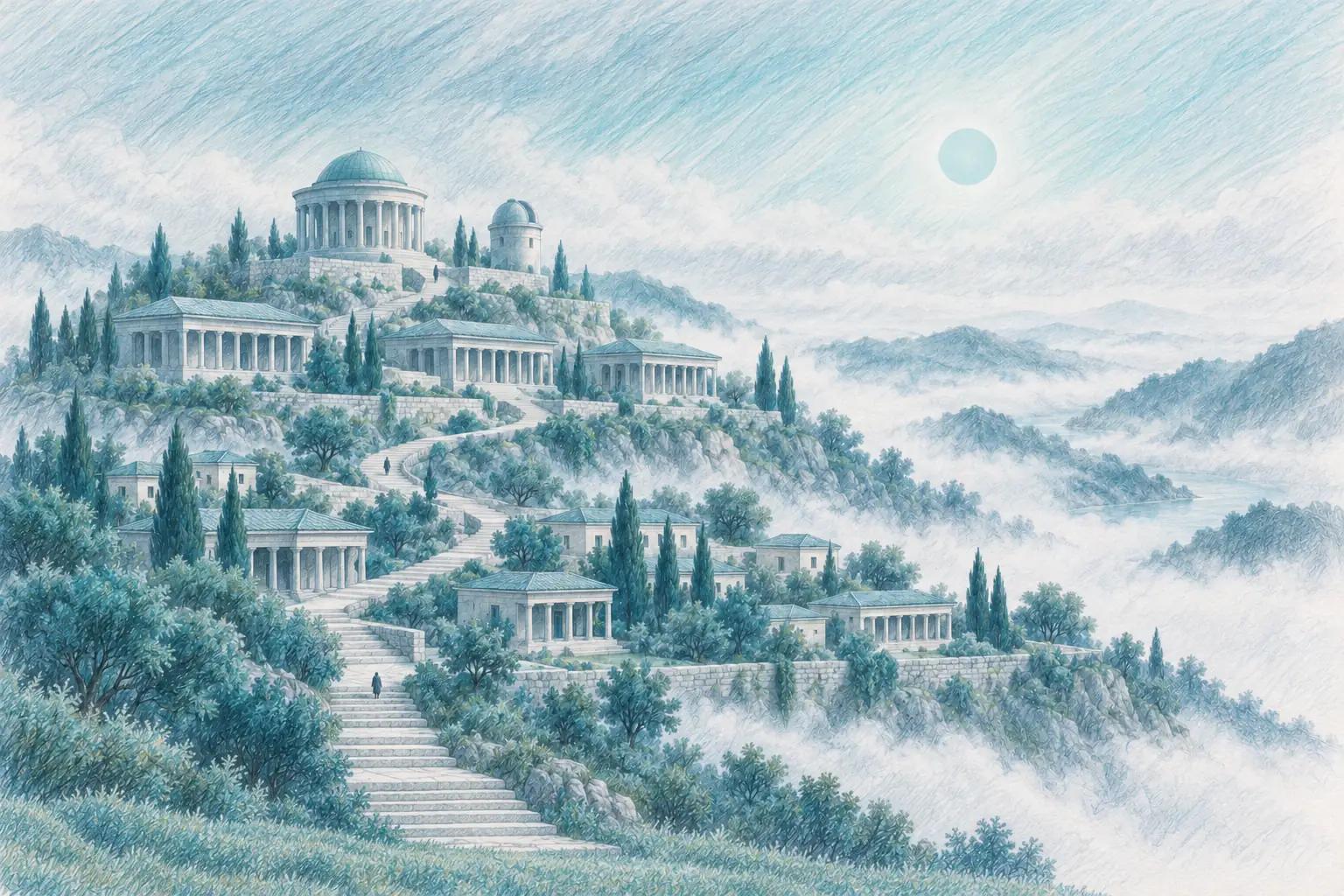
A coloured-pencil drawing: a hillside cut into three terraces, many small porched buildings on the lowest, colonnaded halls in the middle and a domed rotunda on top, joined by one stone stair that opens wide at the foot of the hill, under a pale teal sun over fog

The concept

A Master Plan for Higher Education in California, 1960–1975 is the report that set out the division of labour California’s public colleges and universities still largely follow. In 1959 the Legislature, on a resolution by Assemblywoman Dorothy Donahoe, asked the Regents of the University of California and the State Board of Education to prepare a plan for the growth of the state’s higher education. They appointed a Master Plan Survey Team, chaired by Arthur G. Coons, president of Occidental College. Clark Kerr, president of the University of California from 1958 to 1967, is generally credited as the plan’s chief architect. The Regents and the State Board approved it, and it went to the Legislature in February 1960.

The plan gave each of the three existing public segments its own mission. The University of California was to be the state’s primary academic research institution, with undergraduate, graduate and professional education. The state colleges were to teach undergraduates and graduate students through the master’s degree. The junior colleges, now the community colleges, were to offer academic and vocational instruction through the first two years.

Each segment drew on its own pool of students. The University was to select from the top eighth of the state’s high school graduates and the state colleges from the top third, while the junior colleges set no academic requirement for entry. A student who began at a junior college could transfer to finish a bachelor’s degree, and the University and the state colleges were to keep about 60 per cent of their undergraduates in the upper division, leaving room for transfers.

A special session of the Legislature then passed the Donahoe Higher Education Act, named for the late Assemblywoman. Governor Edmund G. (Pat) Brown signed it on April 27, 1960. The act gave legal force to several of the plan’s parts. It gave the state colleges a board of trustees of their own, and it created the Coordinating Council for Higher Education, an advisory body with members from the public segments, the private colleges and the public. The council was replaced by the California Postsecondary Education Commission in 1973.

Why it matters to higher education

In the late 1950s California expected a large rise in the number of students, and its public segments were competing for them, for new campuses and for the same public money. The plan’s answer was neither to make every campus alike nor to let each one grow as it wished. It gave each segment a mission, and joined the segments by transfer, so that a student who started at a junior college could still finish a bachelor’s degree.

How to balance open access with distinct missions is still argued. The plan has been reviewed many times since 1960, and some of its principles gave way: free tuition, for one, gave way to fees. The questions it put remain open for any system or campus: what each part is for, whom it serves, and how a student moves between the parts.

The plan rested on enrolment projections, but at its core it was an agreement among the segments about who would do what, reached by the bodies that would carry it out and overseen by an advisory council.

How it shapes us

We are not a state system, and this release is not a master plan. The name points at one thing it does: a planning cycle is now something an institution’s team can work on together, not only the person who set it up.

In 0.6.0, an institution’s admin invites colleagues by email from Settings, resends or revokes an invite, sets each person’s level (reader, builder or admin), and deactivates or reactivates someone; every member sees who belongs. A task in a planning cycle holds a note, a checklist and, if you choose, the day you plan to work on it, and Today lists your tasks from every cycle. Each change to a plan is written to a logbook, and a date change that moves nothing else applies at once, with Undo.

Email tells you when work is assigned to you or shared with you, when your pre-read is ready, when a vote is open for you and when something is due tomorrow. Each kind has its own switch, on by default, and email goes only to verified addresses.

What 0.6 brought

  • Invite your team. An admin invites colleagues by email, resends or revokes an invite, sets each person’s level (reader, builder or admin), and can deactivate or reactivate someone. Every member sees who belongs.
  • Your profile. Set your name, a picture and your time zone, and Today and overdue follow your time zone.
  • Email about your work: assigned to you, shared with you, your pre-read is ready, a vote is open for you, due tomorrow. Each kind has its own switch, on by default, and only verified addresses get mail.
  • Richer planning tasks. A task can hold a note, a checklist and an optional day to work on it. Today lists your tasks from every cycle, and one typed line can set a task’s phase, deadline and work day.
  • A plan that keeps its history. A date change that moves nothing else applies at once, with Undo. A logbook records each change, tasks move up or down, and the Timeline shows approvals, meetings, fixed dates and phase bars.
  • Support and feedback. A support request gets a reference number, and your avatar menu adds What’s new, Send feedback and Keyboard shortcuts.

Fixes to The Master Plan

The Master Plan 0.6.5 · November 12, 2026

  • Projected figures beside the reported ones: enrollment, admissions, graduation, finance, financial aid, staff, salaries and program completions, from the next IPEDS release through 2028, each labelled Projected with how accurate its method has been against last year’s value, never in place of a reported figure.
  • A public outlook page with projected totals and medians for the nation, each sector and each state, naming no institution, and a methodology post on how each projection is made and what was tested and rejected.
  • Edit a living plan by hand: drag a phase’s edges on the plan’s strip, or change its phases and tasks in a table, under the same checks the plan was drawn with.
  • Mark a deck built from an outline as final: the draft mark comes off, and a later build starts as a draft again.
  • One chart per answer, drawn as a View you can keep; remove a file from a project’s Sources with 30 days to undo.
  • Athena describes a projection in plain words and gives you the computed differences (the peak, the low, the change from the last reported year) instead of model terms.

The Master Plan 0.6.4 · November 9, 2026

  • A planning cycle keeps its fixed dates. A date can be a deadline (done by that day) or an event (held on that day), and the plan holds it. When a plan misses a date by a few working days, the schedule shortens the work to fit and says what it changed.
  • Your institution’s calendar: a planning cycle keeps meetings with faculty or students out of the winter closure and the summer break, and says when it moved one. Settings → Profile lists the calendar’s dates.
  • Ask the project’s champion a question about a task, from the task, the plan or My tasks. The champion answers from their notifications, and you are told once.
  • My tasks lists everything you owe, this week, in the next two weeks and later: the same work your notifications count.
  • Someone invited to a meeting who is not on the project can open the meeting’s page: its time, its agenda, its link and the items they hold.
  • Once a plan is on the agenda, its card shows the agenda’s dates, each fixed date beside the computed one. An unscheduled plan whose kickoff has passed says so on its card.

The Master Plan 0.6.3 · November 7, 2026

  • Mention a colleague with @ in a project, and see at a glance what changed since you last looked.
  • Twenty-four fixes from the 4 November test round: Athena compares against the peer group you chose and says which one, the IPEDS profile shows words instead of codes, Home picks its measures by how graduate a school is, and a deck’s source check says how many figures it verified. The shortcut list opens with ⌘/ or Ctrl+/.
  • Settings → People is your institution’s org chart: each role, what it does, who holds it and which seats are empty, with a standard roster to start from.
  • Invite a colleague to a project by email, and book a meeting with or without a calendar, inviting a role or a person.
  • Give an area’s team a link and a code, and they can see and report on their own planning tasks without an account.
  • A guest’s vote counts only once they type back the code we email them.

The Master Plan 0.6.2 · November 4, 2026

  • Find anything with ⌘K or Ctrl+K: projects, tasks, meetings, Views and institutions from one search.
  • Safer sign-in: two-step sign-in with an authenticator app and recovery codes, and an institution can verify the email domains it owns.
  • For admins: an audit log of sign-ins and changes, project roles (owner, editor, viewer), and a download of the institution’s shared projects.
  • Settings in eleven tabs, where a switch applies the moment you change it and says it saved.
  • Planning cycles can name their areas and send one task to each, and Copy for next year starts a new project with every date moved on.
  • Easier by keyboard and screen reader: a skip link, named page regions and titles, and focus that returns to where you were.

Every release, newest first · Research